
Slide presentation software that streamlines building
Help your team find approved slides faster, build customised proposals in seconds, and keep every deck on-brand - all from inside PowerPoint.
Rated 4.9 by the people who use it every day
SlideHub is a Leader in Presentation Management on G2, with awards across implementation, support, and ease of doing business. Every medal is earned from verified customer reviews.
Read customer stories






Slide presentation software built for building faster
From the first search to the finished deck, SlideHub takes the manual work out of presentation building - so your team spends time on the message, not the mechanics.
Approved-slide search
Start every deck from on-brand, up-to-date slides your team finds in seconds - never from a blank slide again.
Presentation builder
Assemble a polished, tailored presentation from approved slides in seconds and export it straight to PowerPoint.
Dynamic customisation
Swap client names, figures, and visuals across the whole deck at once with placeholders - no manual find-and-replace.
On-brand by default
Build only from approved templates and slides, so every presentation stays consistent without anyone policing it.
AI slide creation
Describe a slide you don't have yet and let on-brand AI draft it, so building never stalls on missing content.
Send & Track
Send decks as trackable links and see who engaged with which slides, so follow-up is informed by real signals.



Build a tailored deck in seconds
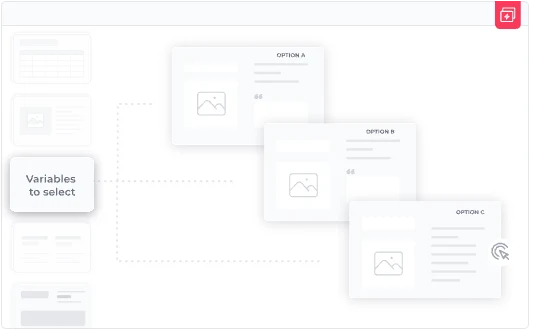
Pull approved slides into a presentation, reorder with a drag, and let placeholders handle the client-specific details - so a proposal that took an afternoon takes minutes.
Every deck on-brand, automatically
Teams build only from approved templates and slides, so fonts, colours, and logos stay consistent - no one has to police a deck after it's been sent.

Give your colleagues an unfair advantage
The same software that speeds up building also hands your team three things they couldn't do before.

Customise a full presentation in seconds
Pick approved slide groups, let placeholders fill in the client details, and a tailored, on-brand deck is ready in minutes.
See how it works
Build new slides with on-brand AI
Describe the slide you need and AI builds it from your own templates and content, always on-brand, with no reformatting.
Explore SlideHub AI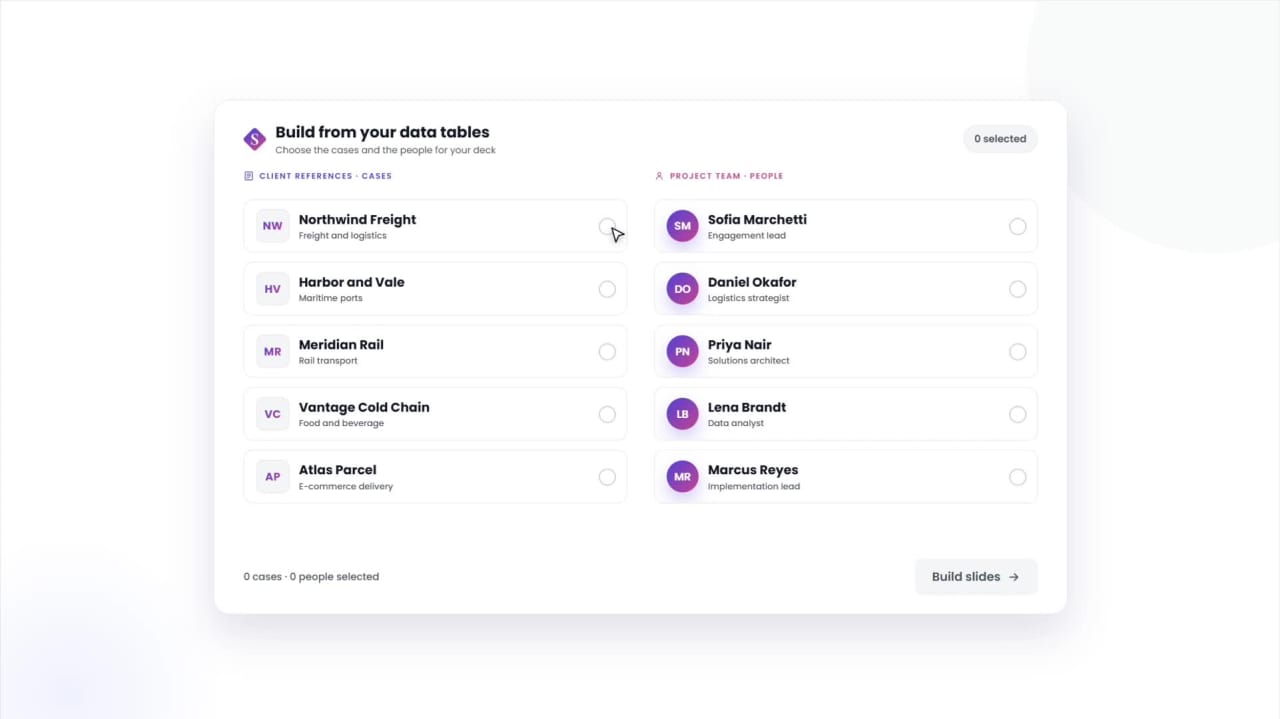
Manage tombstones, bios & cases in a structured data table
Keep deal tombstones, team bios, and reference cases in one table, and build any slide from the entries you pick.
See Data TablesSee how other teams build presentations faster






Slide presentation software questions, answered
What is slide presentation software?
How does it speed up presentation building?
Does it keep presentations on-brand?
Can it create new slides with AI?
Does SlideHub work inside PowerPoint on PC and Mac?
See SlideHub speed up your presentation building
Book a 30-minute walkthrough. We'll show you how teams find, build, and customise on-brand presentations in seconds - without leaving PowerPoint.