
PowerPoint presentation tools for business
Equip your team with a single platform for finding, building, updating, and governing presentation content across PowerPoint, Word, Excel, and Outlook.
Rated 4.9 by the people who use it every day
SlideHub is a Leader in Presentation Management on G2, with awards across implementation, support, and ease of doing business. Every medal is earned from verified customer reviews.
Read customer stories






The presentation toolkit business teams need
Instead of stitching together separate tools for search, building, version control, and brand compliance, business teams get one platform that does all of it - right inside Microsoft 365.
Content search
Find approved, on-brand slides across the whole business in seconds, without leaving the apps teams already use.
Build & customise
Assemble tailored proposals and decks from approved content and personalise them with dynamic placeholders.
Update propagation
Edit a slide once and push the change to every deck that uses it, so outdated content never reaches a client.
Governance & control
Lock critical slides, assign owners, and approve contributions, so the business stays on-brand and compliant.
Microsoft 365 native
Works inside PowerPoint, Word, Excel, and Outlook on PC, Mac, and the web - no new app for teams to learn.
Usage insights
See what content teams use, search for, and ignore, then invest your effort where the business actually needs it.



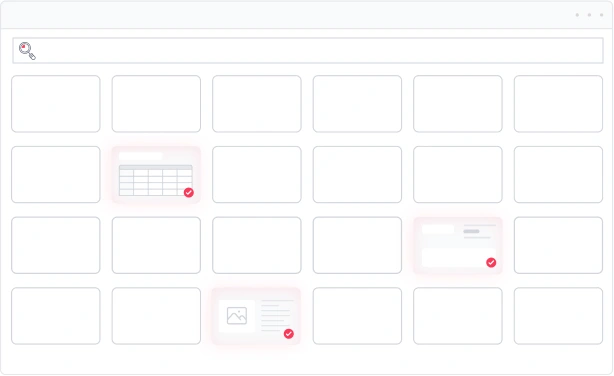
One place to find every approved slide
Stop digging through drives and old decks. Teams across the business search one governed source by topic, tag, or content and drop the right slide straight into their work.
Change a slide once, notify everyone
Update a figure, a logo, or a claim in one place and SlideHub pushes it everywhere - and tells the people working on affected slides, so the whole business stays current.

Give your colleagues an unfair advantage
The same toolkit that keeps your content under control also hands your business three things teams couldn't do before.

Customise a full presentation in seconds
Pick approved slide groups, let placeholders fill in the client details, and a tailored, on-brand deck is ready in minutes.
See how it works
Build new slides with on-brand AI
Describe the slide you need and AI builds it from your own templates and content, always on-brand, with no reformatting.
Explore SlideHub AI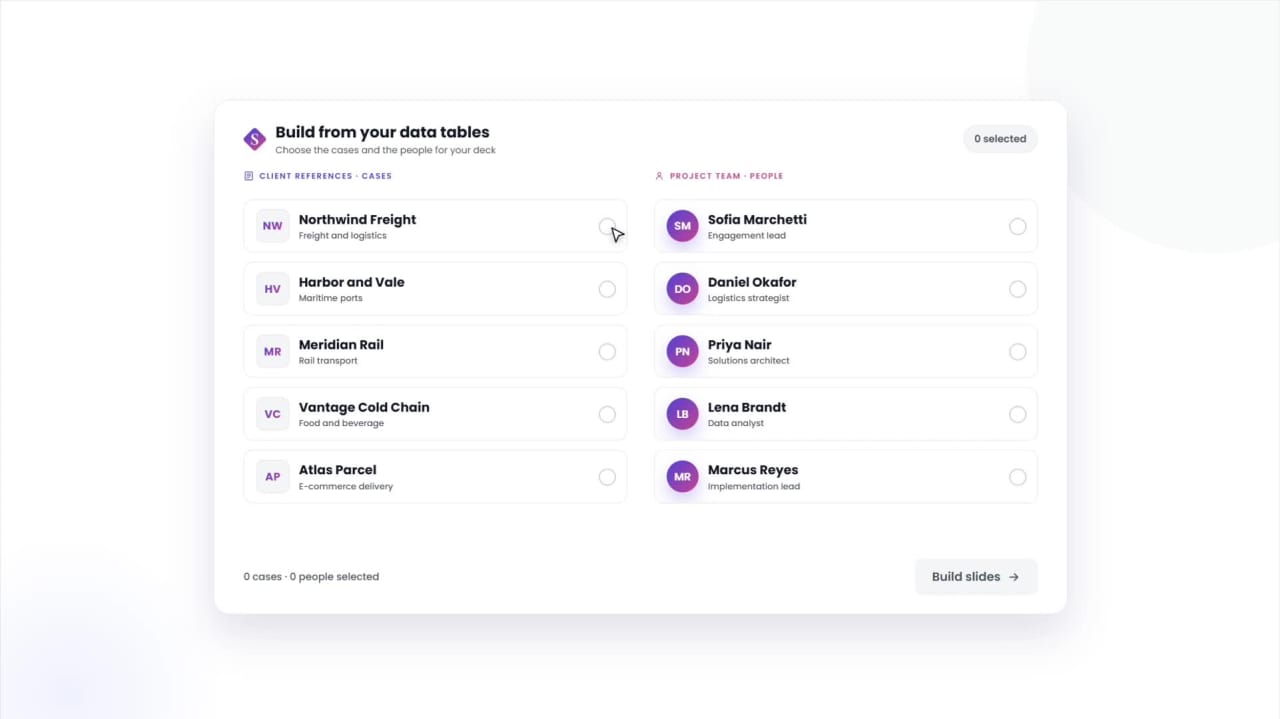
Manage tombstones, bios & cases in a structured data table
Keep deal tombstones, team bios, and reference cases in one table, and build any slide from the entries you pick.
See Data TablesSee how other businesses put these tools to work






PowerPoint presentation tools for business questions, answered
What are PowerPoint presentation tools for business?
Do these tools work across Microsoft 365?
How do they help a business stay on-brand?
Are they suitable for large teams and enterprises?
How is this different from using PowerPoint on its own?
See the presentation tools your business has been missing
Book a 30-minute walkthrough. We'll show you how business teams find, build, update, and govern presentation content from one platform - inside Microsoft 365.