
 Back
Back
Product Update - October 2025
Timea Borbath · January 16, 2026
This October, we’ve introduced updates designed to makelibrary management and automation setup faster and more efficient:
-
Upload Word & Excel files directly from the add-in – Upload documents and sheets in Word or Excel, label them, and add them directly to your library, just like in PowerPoint.
-
Improved automation forms with optional and multi-select questions – Admins can set which questions are optional and allow multiple selections, giving your team the flexibility to skip irrelevant questions and select multiple answers. This ensures presentations are tailored to client needs automatically.
Watch the full product update video here: Product Update October 2025
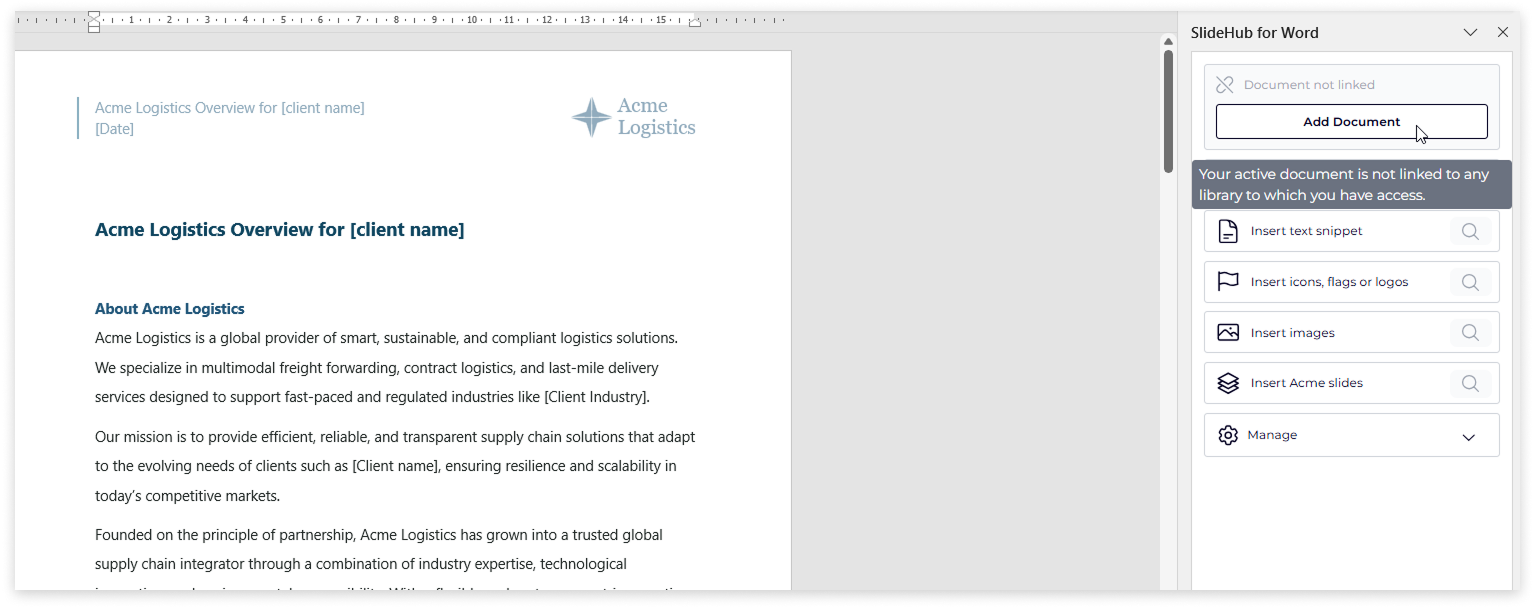
📄 Upload documents and excel sheets directly via the add-in
Now, you can upload Word documents and Excel sheets directly from within the add-in, making it faster and easier to keep your SlideHub library up to date.
How it works:
- Click Add Document or Add Sheet in the add-in toolbar.
- Choose the library you want to upload to and click Continue.
- Name your file and assign labels, categories, or tags—or create new ones on the spot.
- Click Continue, and your file is uploaded instantly to the library.
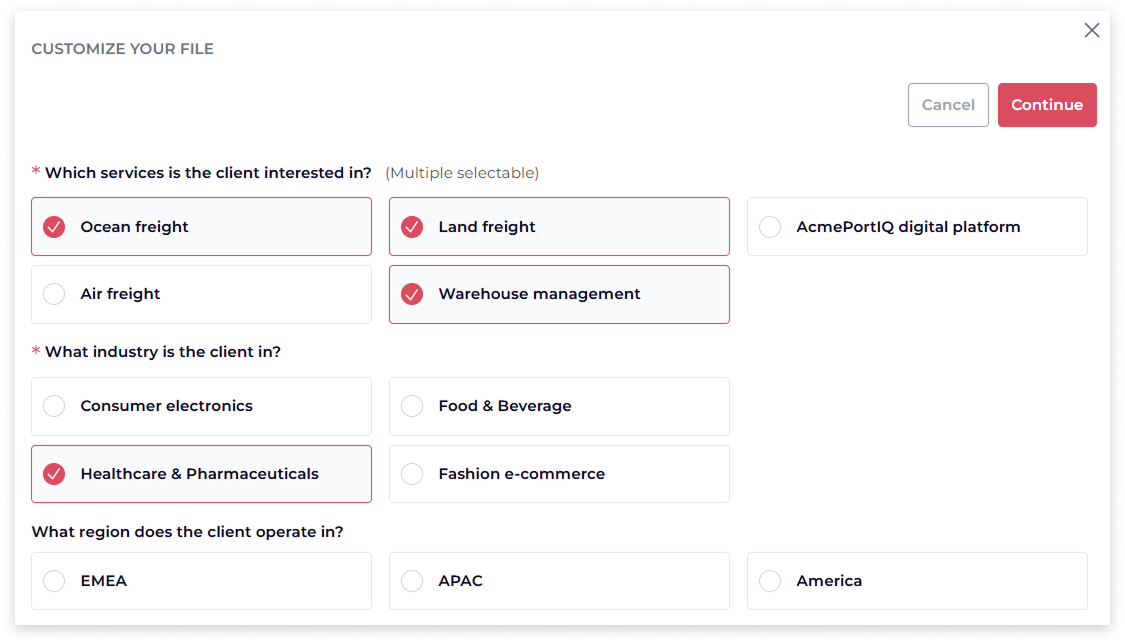
⚡ Use optional and multi-select questions to streamline personalized presentations
Admins can configure which questions are optional and which allow multiple selections, giving end users more flexibility when completing forms and ensuring the resulting presentation is tailored to each client’s needs.
End users can skip questions that aren’t relevant or select multiple answers where applicable. The new form and logic also allows a single variable group to insert multiple slides based on these answers. For example, a logistics company offers five services, and a client might be interested in multiple ones. End users can select all the services relevant to them, and the corresponding service slides are automatically added to the presentation.
This feature is perfect for teams who need to:
- Generate tailored presentations efficiently, based on each client’s specific needs.
- Save time by automating slide selection and insertion.
- Simplify automation setup with optional and multi-select questions.
- Provide a simple and flexible experience for end users completing forms.
📅 Don’t Miss Our Next Webinar
Join us for our next Product Update Webinar on January 15, 2026, at 2:00 PM and 9:00 PM CET.
Register here → https://slidehub.com/webinar-sign-up/quarterly-product-webinar
We look forward to seeing you at the next webinar!
Are you interested in becoming a client -Schedule a demo here
Do you need our assistance as a clients -Book a call with Customer Success