
 Back
Back
Product Update - January 2025
Timea Borbath · February 3, 2025
As January comes to a close, we've rolled out several exciting updates to enhance your SlideHub experience. We're pleased to share quite a few new improvements and features, including an enhanced search experience, key presentations shortcut, smart image compression, and more.
Watch the full video below:
Highlights from January Product Update:
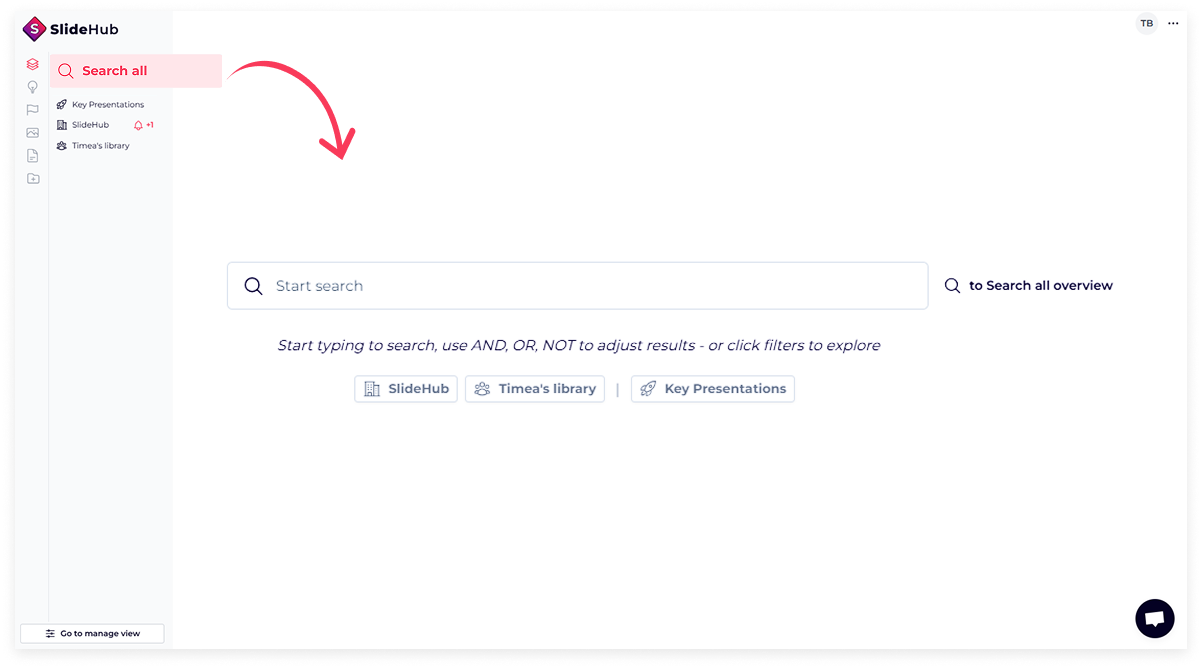
- Enhanced search - Google-like experience - The new, Google-like search makes finding slides and presentations easier than ever. You can now use 'NOT' and 'OR' operators alongside 'AND' for more refined searches. Plus, sorting options are now available, allowing you to organize results by Most Used, Random, Created (Newest/Oldest), and Updated (Recent/Oldest).
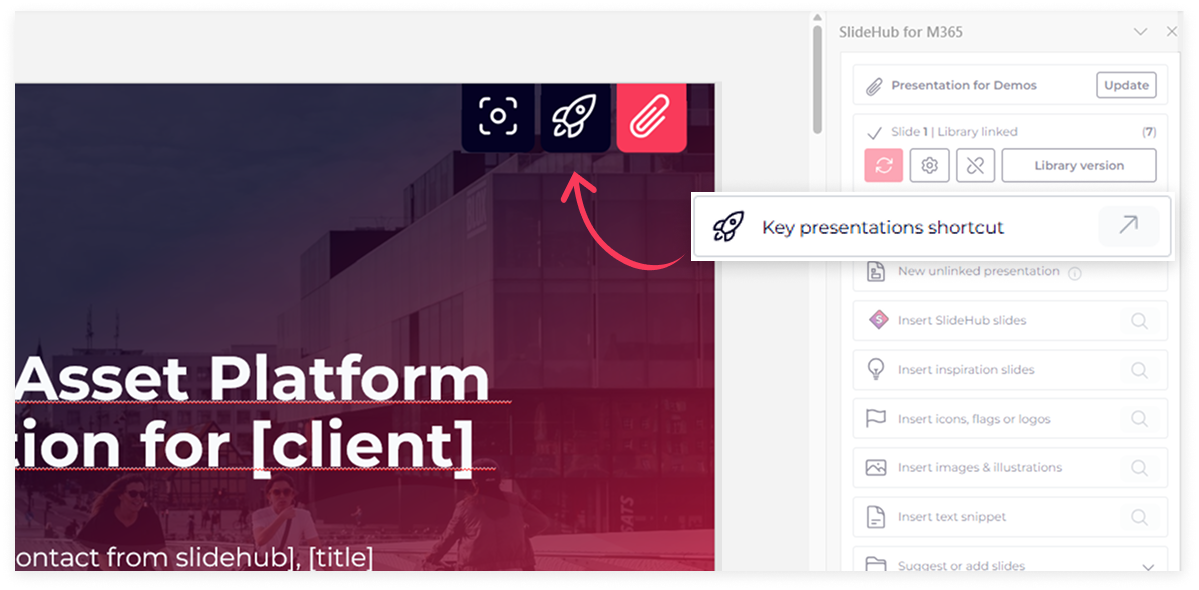
- Key presentations shortcut for the most used presentations- Managers can now set up a dedicated shortcut for their team's most-used presentations with the "Key Presentations Shortcut," helping their team access important files quickly and efficiently.
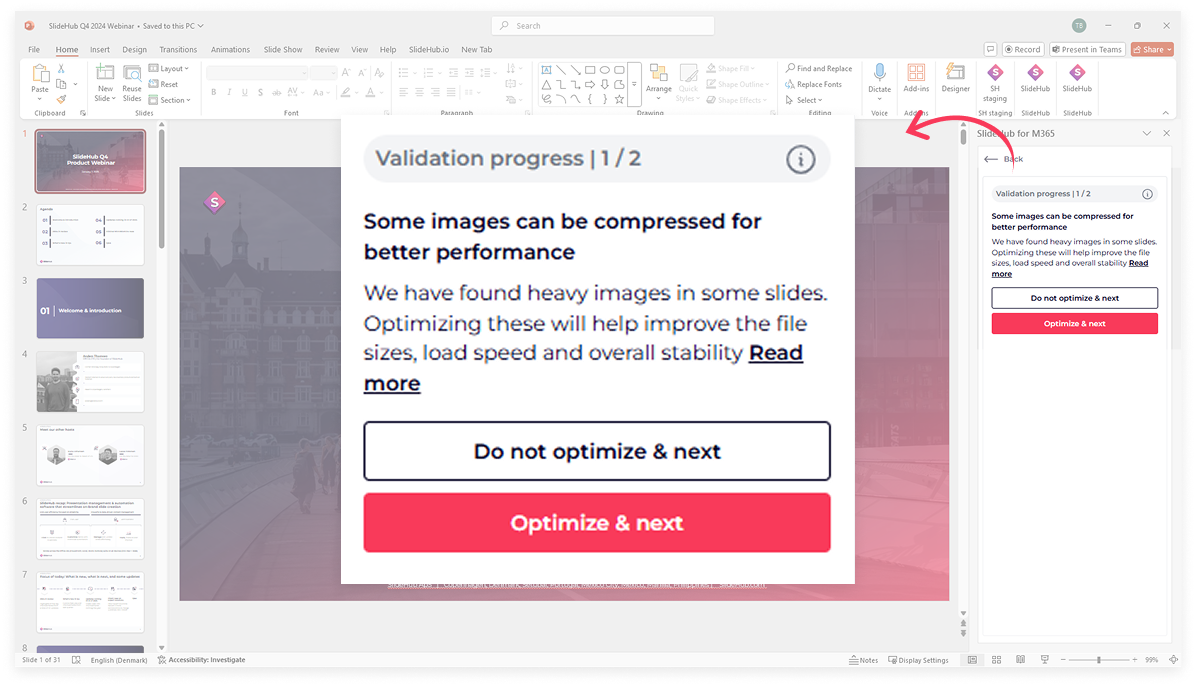
- Smart image compression - When uploading or updating a slide or presentation to the SlideHub Library, the system now automatically detects and compresses (unnecessarily) large images as part of the validation process - ensuring optimal file size without any visible quality loss for a smoother working experience. It's one of the simplest ways to avoid a PowerPoint file that's grown too large.
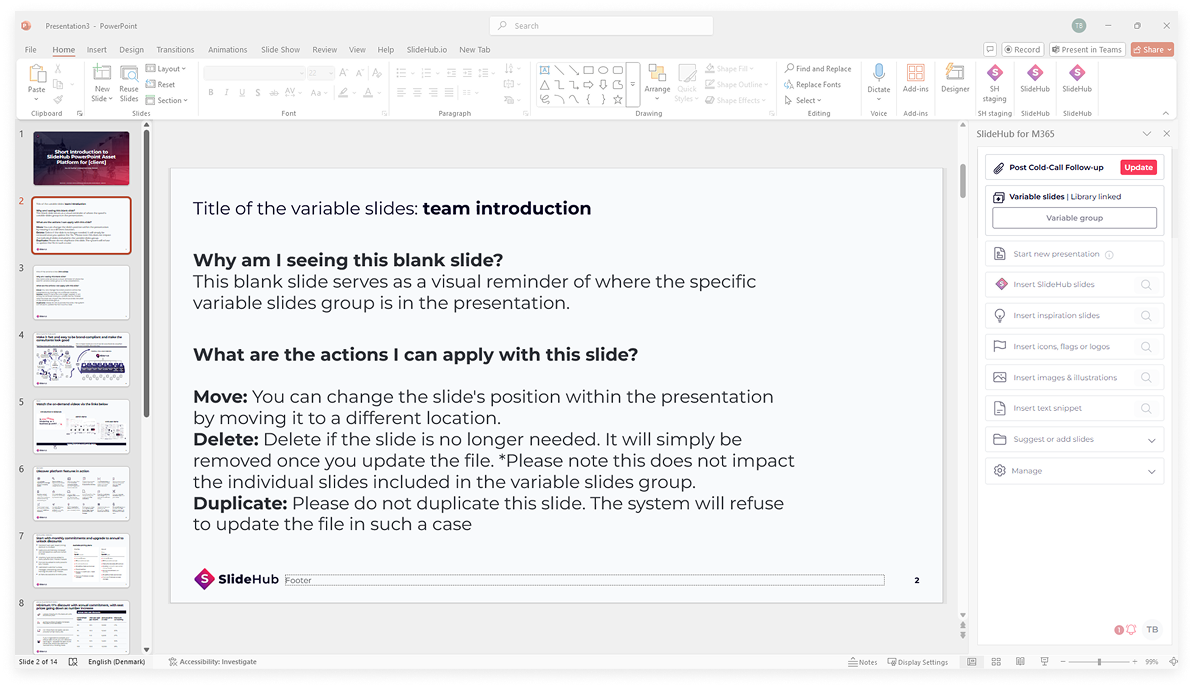
- Simplified update of the Presentation Builder - As a Manager, when downloading Presentation Builder files in the manager version, variable slide groups will now be replaced with blank slides in PowerPoint. This makes it easier to move or delete these groups while editing in PowerPoint, streamlining the updating process.
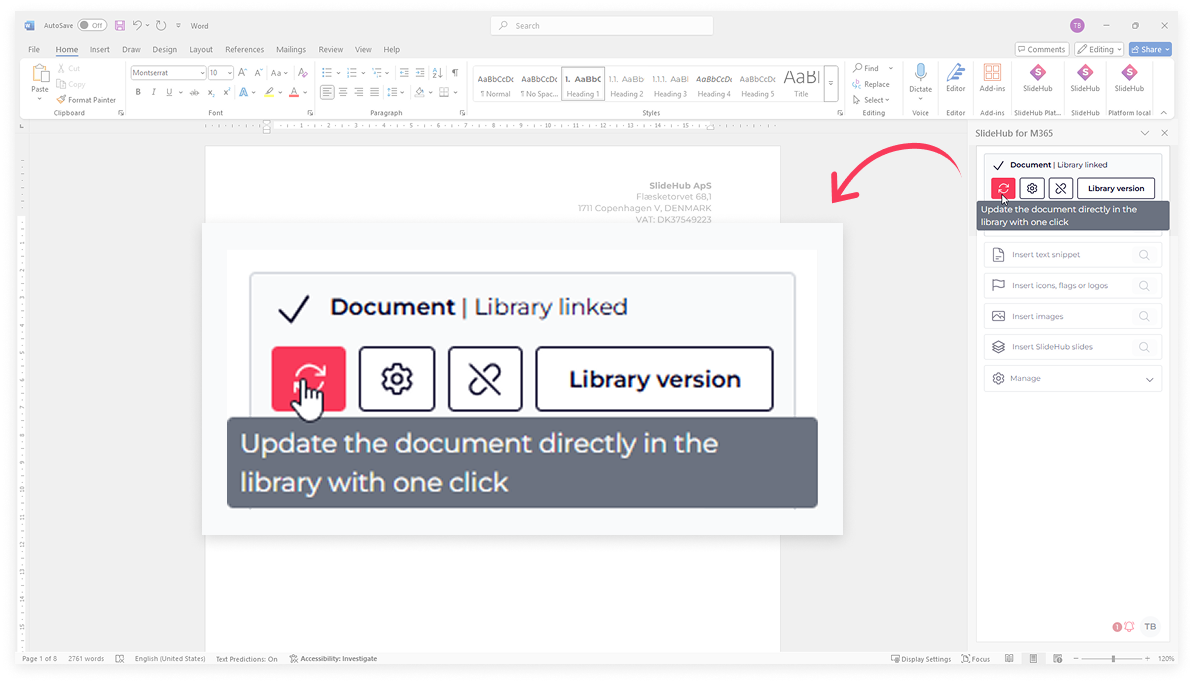
- Update Word and Excel files directly from the task pane - Managers can now effortlessly update Word documents and Excel sheets directly from PowerPoint within the task pane. With just a click of the red button, admins can now update files without needing to switch to the platform, streamlining their workflow just like in PowerPoint.
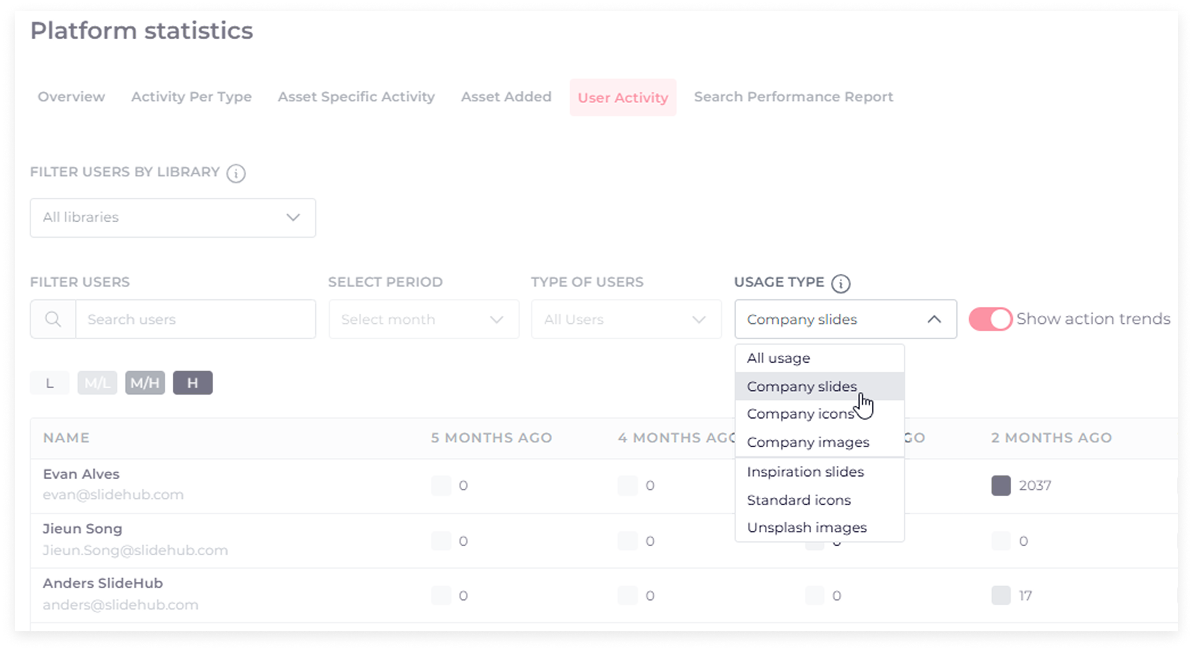
- Statistics improvements - Usage type filter in the action trends view (in the User Activity tab) - As a Manager, you can now track and filter action trends more effectively based on usage type. See how often different assets - such as company slides, icons, images, and other off-the-shelf assets - have been used over the past six months. The list is sorted by who has used the assets the most in the current month, making it easy to identify top users at a glance.
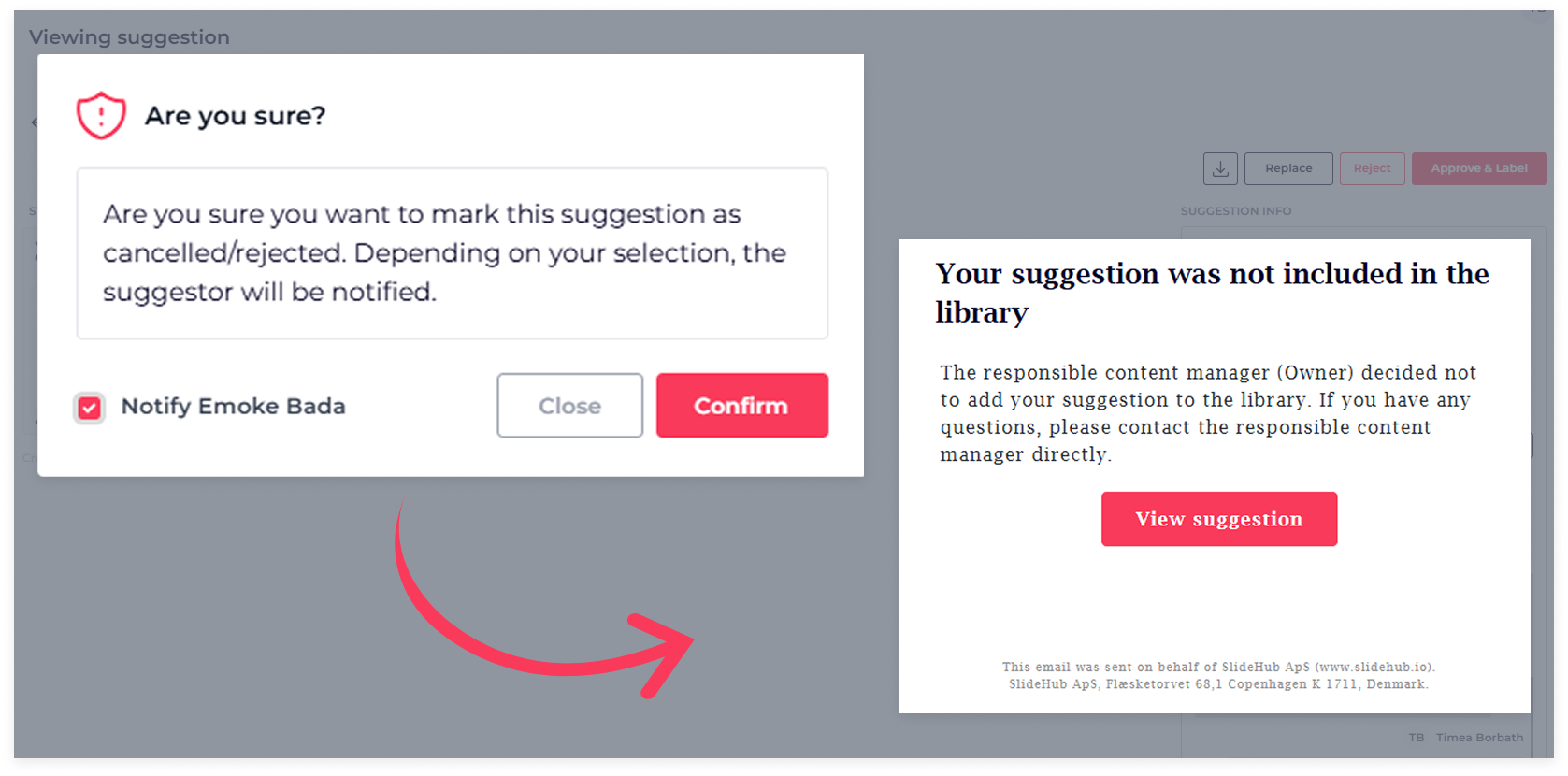
- New (optional) email notifications for Suggestions management - You can now keep your team informed with email notifications when their suggestions are accepted, rejected, or replaced by a new version. Additionally, as an admin or gatekeeper, you'll receive a notification if you're assigned as the responsible reviewer for a suggestion.
Stay tuned for exciting updates and join us for our upcoming Quarterly Product Webinar - Reserve your spot here.