
 Back
Back
Product update
Introducing Send & Track: share your deck, then see exactly what happens
Anders Thomsen · June 13, 2026 · 4 min read
You spend hours perfecting a proposal, attach it to an email, and hit send. Then… silence. Did they open it? Did they read past the pricing slide? Did they forward it to the decision-maker? Until now, the moment you hit send was the moment you went blind.
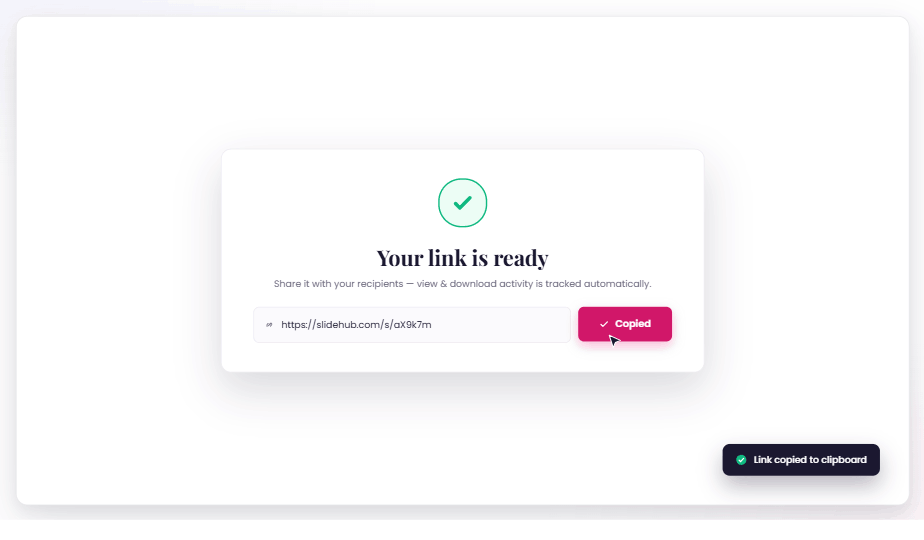
Send & Track changes that. Share decks, documents, and files through a single secure link, and see exactly how recipients engage with them — without anyone ever filling out a form or logging in.
Send it. Then see what happens.
Here's a two-minute walkthrough:
Share almost anything, in one link
Bundle multiple files into a single shareable link — PowerPoint, Word, PDF, Excel, images, and video — and drop in clickable links alongside them, like a website or a contract-signing page. You decide the order files appear in, hide the ones that aren't ready, and choose which file recipients see first.
Control who sees it, and for how long
Every link is yours to lock down:
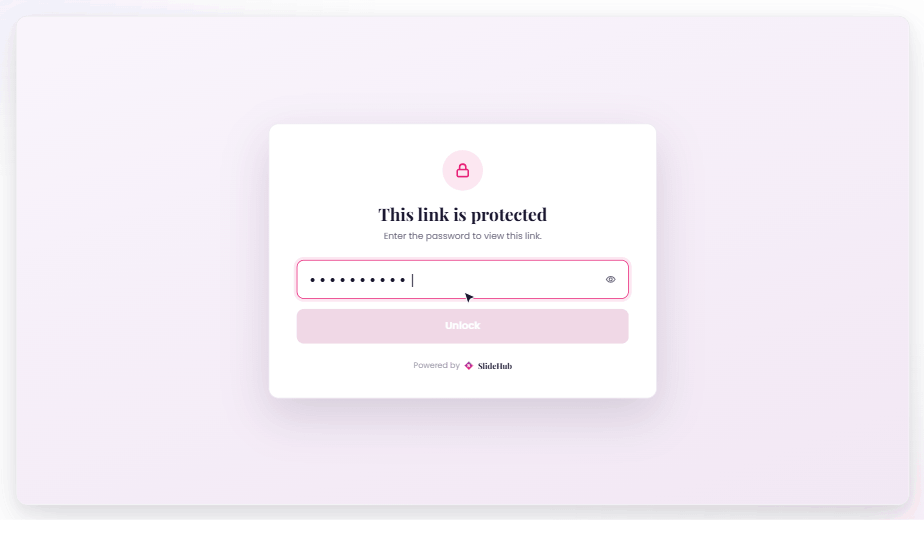
- Password protection — recipients enter a password before they can view.
- Expiration dates — links switch off automatically after 7, 30, 60, or 90 days, or a custom date you choose.
- Download permissions — share view-only, download-as-PDF, or the full original file.
- Deactivate anytime — flip a link off instantly (and back on later) while keeping all of its engagement history.
See exactly how recipients engaged
This is the heart of Send & Track. The moment someone opens your link, you can see:
- Whether and when they opened it — and when they finished.
- How long they spent in total.
- Which files they looked at, which slides held their attention the longest, and which they skipped.
- Whether they downloaded anything.
Every link is automatically flagged High, Medium, or Low engagement so you can scan your activity overview at a glance. Aggregate trends — total views, downloads, average time spent, and per-file breakdowns — show which materials earn the most attention, so you can double down on what works.
Follow up at exactly the right moment
Choose how you hear about activity: an instant email the moment a link is opened or downloaded, a daily digest, a weekly digest, or nothing at all. You can also be reminded before a link expires.
"I sent it and I'm hoping" becomes "they opened it twice yesterday, spent four minutes on the pricing slide, and downloaded it." That kind of document tracking changes how — and when — you follow up. It's the same intelligence sales teams rely on for pitch deck tracking.
Track engagement, not people
Send & Track is privacy-first by design — closer to secure document sharing than to a marketing form wall. No viewer ever has to sign in, hand over an email, or fill out a form to open a link — and we don't store recipients' names, emails, or IP addresses. Recipients simply see a small notice that tracking is active. You get the engagement insight you need, without the form wall.
Works where you already do
- In the SlideHub web app — create links, browse them, and watch activity roll in from a single dashboard under Shared Links.
- In PowerPoint — create a tracked link straight from the deck you're editing, without leaving Office.
- For admins — turn Send & Track on or off org-wide, make tracking mandatory or leave it to each user, and decide whether link statistics are shared across your team or kept private to the owner.
Included in every plan
Send & Track is part of every SlideHub subscription and doesn't consume any credits — so there's nothing to add on and no reason not to use it.
Want to see it in your own workflow? Explore Send & Track or book a demo and we'll walk you through it.