Presentation management software that streamlines proposals
For teams who want to simplify finding, managing, and updating slides without relying on time-consuming folder structures

4.9 on G2

4.4 on Capterra


PROUDLY SERVING LEADING PROFESSIONALS





Help your team stay compliant with SlideHub's Presentation Management Software
Manage slides centrally and help your team find the latest, on-brand slides they need in seconds, and build PowerPoint presentations faster with automations

Slide-centric search
Effortlessly locate the right on-brand slides in seconds using the label-based search

Instant user notification
Manage content centrally and notify your team instantly when a slide they are working on is updated
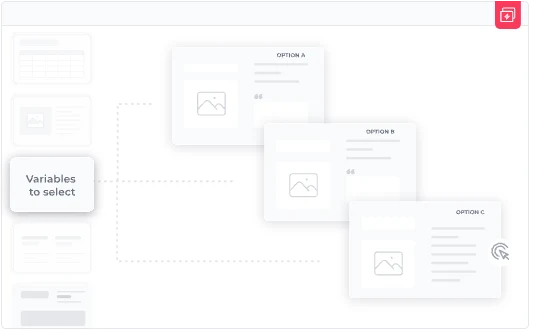
Craft custom presentations in seconds
Automate proposal creation with dynamic slide groups and placeholders for enhanced customization

Ensure consistency across presentations
Instantly update multiple PowerPoint presentations with a single slide update

Fully lock sensitive slides
Ensure compliance by locking entire slides that should never be changed

Usage insights for better management
Uncover your team's search trends and asset usage to identify keyword gaps and optimize your content strategy
Professionals like you chose SlideHub as their Presentation Management Software